Better Coral Phone Photos: Keep Detail and Context
A beautiful reef picture and a useful observation picture have overlapping but different goals. For an identification or concern, accurate detail and a repeatable view matter more than dramatic saturation.
Take a useful pair
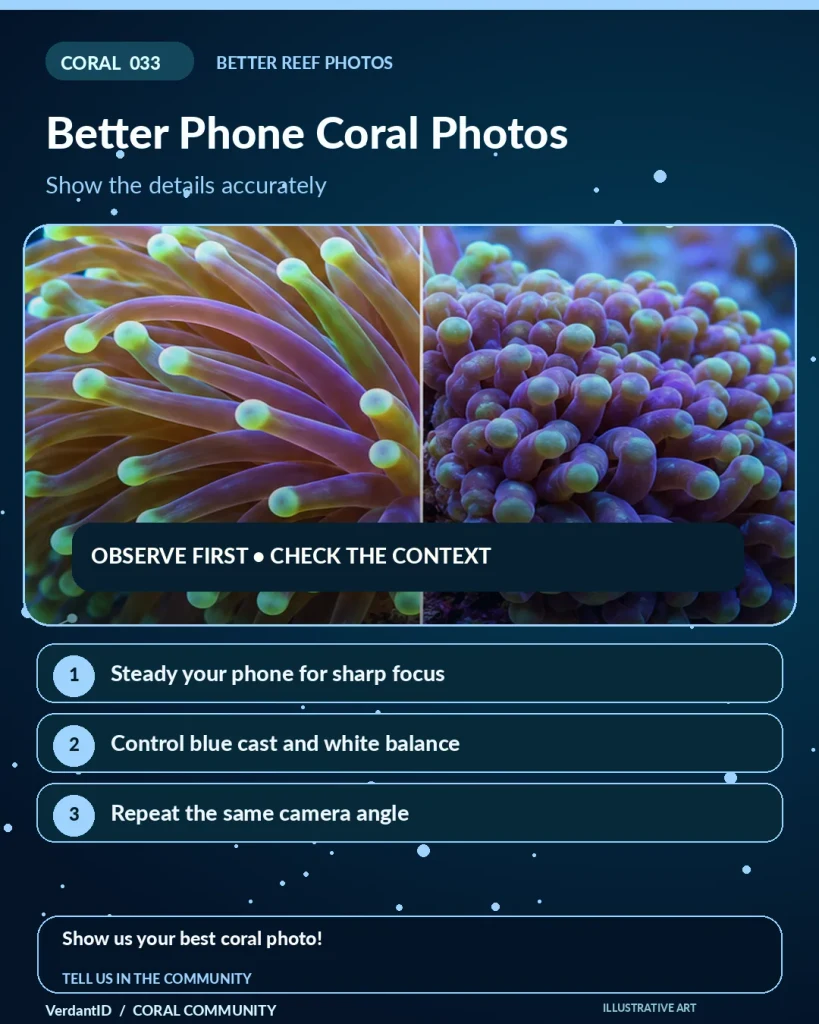
Save one image of the whole colony and its placement, plus a sharp close view of the feature you want to discuss. Stabilize the phone safely outside the aquarium, clean the external viewing surface and avoid digital zoom that replaces detail with processing.
Keep light information
Record whether the aquarium was in blue, white or mixed lighting and whether a filter was used. White-balance correction can improve readability, but strong color edits can also hide a useful difference. Keep and share the unedited original alongside any corrected version.
For repeat photographs
- Use the same angle, distance and usual lighting.
- Save dates rather than relying on memory.
- Keep exposure consistent where the camera allows it.
- Include readings and recent changes with a health question.
Protect the subject and the phone
Do not scrape tissue, move a stressed coral repeatedly or immerse an unprotected device to get a better picture. A clearer photograph improves the evidence; it does not turn an uncertain photo-only diagnosis into a guaranteed one.
Join the discussion
Show your best coral phone picture!
Sources and further reading
Source: Original Verdant guide